
Household Subscription Split Board
Every recurring plan in the household grouped by family member and paying card, with duplicate family plans and clustered renewals flagged.
These images are illustrations of the concept, not screenshots of the actual product.
Overview
This concept illustrates a household board that groups a family's recurring spending by the person who uses each plan and the card or account that pays for it. Subscriptions, memberships, family plans, tutoring and household contracts such as home insurance sit in one table, so the people who run a home can see what the family carries each month.
In family and home life, recurring costs pile up across people and payment methods. Two people in the same home each sign up for the same family streaming plan, a gym membership goes unused for months, and several renewals land on the same card on the same day. No single statement shows it, because each person sees only their own card. The concept makes duplicates and clusters visible before the charges arrive, and every change stays a proposal until a household member approves it.
The Household page names a sample family of five with its count of recurring relationships. Tiles show recurring spend per month, renewals in the next 14 days, duplicate family plans with a needs-attention badge and the amount freed per month. The table groups relationships under each family member, with columns for relationship, kind, paid by, amount, renews on and status. The same music streaming family plan appears under two family members on two different cards, both marked duplicate, with Merge into one plan and Keep both options on the pending one. A gym membership carries an unused-days badge and a cancel-approved status, while tutoring, a coding app, cloud storage and a home insurance contract paid by bank debit show as active. A Renewal cluster chart plots charges by day of the month, with a tooltip on the heaviest day showing the total on one card and a Stagger dates action.
BrainyRich appears in a Send savings to a goal panel. The monthly amount freed by approved changes, here from one approved change, can be linked to a household goal picked from a list; the sample home down payment goal is shown as a linked BrainyRich goal with its funded share and a behind-schedule marker. The design intent is that BrainyRich then shows how that goal's projection changes once the savings are directed to it.
Within Subscriber Bot, the board sits under Relationships and applies the product's duplicate detection, renewal tracking and approval of cancellations to a whole household rather than a single person.
What this concept shows
- Tiles for recurring spend per month, renewals in 14 days, duplicate family plans and the amount freed per month
- A relationships table grouped by family member with kind, paying card or account, amount, renewal date and status
- Duplicate family plans flagged across two family members, with Merge into one plan and Keep both options
- An unused-days badge and an approved cancellation on a membership that has gone unused
- A Renewal cluster chart of charges by day of month, with a Stagger dates action
- A Send savings to a goal panel that links freed monthly spend to a BrainyRich goal
- Pending and approved states, so changes stay proposals until a household member approves them
How it works
- Open the Household board from Relationships and read the monthly total, upcoming renewals, duplicates and freed amount.
- Scan each family member's group to see what they use and which card or account pays.
- Resolve a duplicate family plan by merging into one plan or keeping both.
- Approve cancellations for memberships flagged as unused.
- Check the Renewal cluster chart and stagger dates that pile up on one card.
- Link the monthly savings to a BrainyRich goal.
Who it's for
- Parents managing family subscriptions
- Couples sharing household bills
- Household budget keepers
- Families sharing streaming and storage plans
Illustrations
1 illustration of this concept. Select one to view it full size.
Household Board Grouped by Family Member and Paying Card
This illustration shows a desktop Household page for a sample family of five. Tiles show recurring spend per month, renewals in 14 days, a duplicate family plan needing attention and the amount freed per month. The table groups relationships under each member, with columns for kind, paid by, amount, renewal date and status. A music streaming family plan appears under two members on different cards, flagged duplicate, with Merge into one plan and Keep both buttons on the first. A gym membership shows an unused-days badge and cancel approved, while the other plans, including a home insurance contract paid by bank debit, are active. A Renewal cluster chart plots charges by day of the month, with a tooltip for one card's total on the first and a Stagger dates button. A Send savings to a goal panel selects a home down payment goal, shows it as a linked BrainyRich goal that is partly funded and behind, and offers Link to goal. All names and figures are sample data.
Topics
- family subscription tracker
- household recurring bills
- duplicate family plans
- shared subscription costs
- cancel unused gym membership
- renewals clustered on one card
- family savings goal
- household subscription audit
- subscriptions by family member
- stagger bill due dates
Related concepts
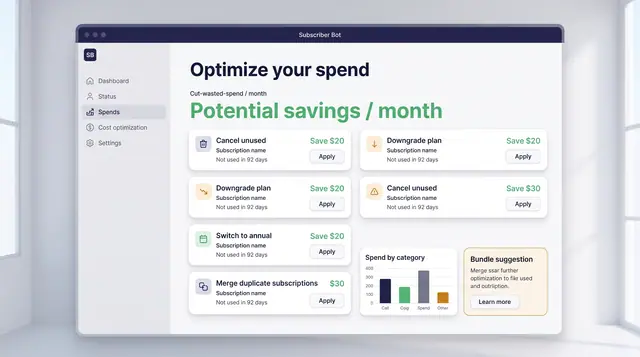
Spend Optimization and License Utilization
Turn portfolio data into decisions: cancel what is unused, downgrade what is oversized, and find the seats you are paying for twice.
2 illustrations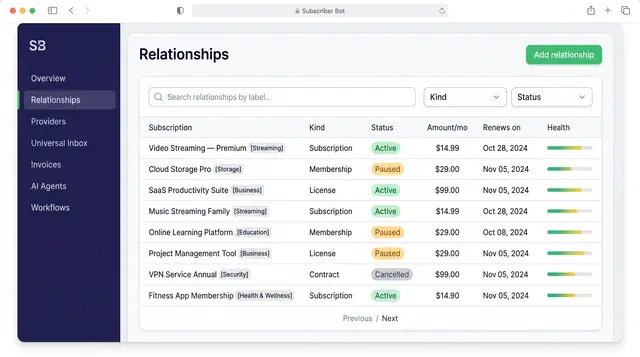
Subscription Relationships
Every subscription, membership, license and contract as one record with its plan, payment, entitlements, health and renewals.
3 illustrations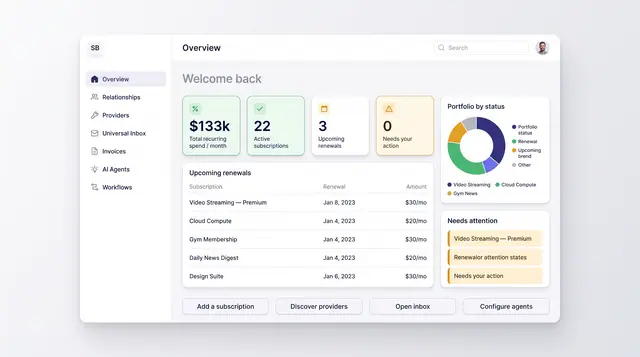
Portfolio Overview Dashboard
One home screen for recurring spend, active subscriptions, upcoming renewals and anything that needs your attention.
2 illustrations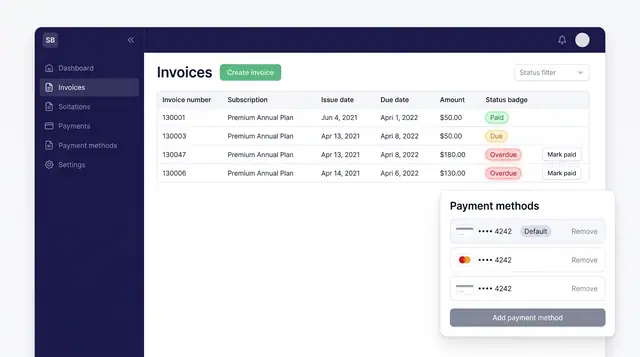
Invoices and Payment Methods
Track every subscription invoice by status and keep the cards that pay for them in one place, with a clear default.
1 illustration
Part of an industry solution
This concept appears in a cross-product solution on burdenoff.com — see how it works alongside other Burdenoff products to solve a problem in that industry.