
Portfolio Overview Dashboard
One home screen for recurring spend, active subscriptions, upcoming renewals and anything that needs your attention.
These images are illustrations of the concept, not screenshots of the actual product.
Overview
The Portfolio Overview Dashboard is the home screen that Subscriber Bot is designed to open on. It answers the questions people usually cannot answer about their recurring commitments: how much is going out each month, how many subscriptions are active, what renews next and what needs a decision now. This concept illustrates that home screen on desktop and in a mobile app.
Recurring relationships tend to be scattered across email, card statements, app stores and admin panels, so the total is rarely known and renewals arrive as surprises. The design pulls the headline numbers into a single row of tiles and puts the next renewals and outstanding items directly beneath them, so that a quick look is enough to know whether anything needs to be done.
On desktop, the page greets the user and leads with four tiles: total recurring spend per month, active subscriptions, upcoming renewals and items that need your action, the last tinted as an attention state. A Portfolio by status donut chart breaks the portfolio into segments with a legend. An Upcoming renewals table lists each subscription with its renewal date and monthly amount, and a Needs attention panel stacks highlighted items that are waiting on the user. A row of quick actions along the bottom leads to adding a subscription, discovering providers, opening the inbox and configuring agents. The mobile version keeps the same priorities: a header with total monthly spend, renewal cards that count down the days to each renewal, and a bottom tab bar for Home, Subscriptions, Inbox and Agents, with a second screen showing inbox messages tagged by status.
The overview is the entry point to the rest of the product. Each tile, renewal row and quick action leads into a deeper area such as Relationships, the Universal Inbox, provider discovery or the AI Agents that act on the portfolio. The left navigation on desktop exposes those areas alongside Invoices and Workflows.
What this concept shows
- Four headline tiles for total recurring spend per month, active subscriptions, upcoming renewals and items needing action
- A Portfolio by status donut chart with a legend of status and category segments
- An Upcoming renewals table with subscription name, renewal date and monthly amount
- A Needs attention panel that stacks highlighted items waiting on a decision
- Quick actions to add a subscription, discover providers, open the inbox and configure agents
- A mobile layout with a monthly spend header, renewal countdown cards and a bottom tab bar
- A mobile inbox view whose message cards carry status pills such as Action required, Confirmed and Reminder
How it works
- Open Subscriber Bot to land on the Overview and read the four headline tiles.
- Check the Portfolio by status chart to see how the portfolio is split across states and categories.
- Scan the Upcoming renewals table for what renews next and at what monthly amount.
- Work through the Needs attention panel to find items waiting on a decision.
- Use a quick action to add a subscription, discover providers, open the inbox or configure agents.
- On a phone, check the same spend total and renewal countdowns, then switch to the Inbox tab for tagged messages.
Who it's for
- Individuals keeping track of personal subscriptions and memberships
- Households managing shared recurring bills
- Finance and operations leads watching recurring spend
- IT and procurement teams preparing for upcoming renewals
Illustrations
2 illustrations of this concept. Select one to view it full size.
Desktop Overview with Spend, Renewals and Attention Items
This illustration shows the desktop Overview. A left navigation lists Overview, Relationships, Providers, Universal Inbox, Invoices, AI Agents and Workflows, and a search field and profile avatar sit in the top bar. Below a Welcome back greeting, four tiles report total recurring spend per month, active subscriptions, upcoming renewals and items that need your action, with the last one tinted as an attention state. A Portfolio by status card shows a donut chart with a legend for status and category segments. The Upcoming renewals table lists sample subscriptions such as a premium video streaming plan, cloud compute, a gym membership, a daily news digest and a design suite, each with a renewal date and monthly amount. A Needs attention panel stacks highlighted items, and a row of buttons offers Add a subscription, Discover providers, Open inbox and Configure agents. All figures are sample data.
Mobile Overview and Inbox
This illustration shows two phone screens side by side. The first is the mobile Overview: a dark header carries the product mark, the Overview title and the total recurring spend per month, followed by an Upcoming renewals list. Each renewal card has a service icon, the subscription name, a monthly price and a countdown such as renews in three days, using sample subscriptions like video streaming, cloud compute and a gym membership. A bottom tab bar offers Home, Subscriptions, Inbox and Agents. The second screen is the Universal Inbox, where message cards are grouped under section headings and each carries a status pill: Action required on a news digest, Confirmed on a design suite and Reminder on an insurance plan. The design shows the desktop priorities carried into a thumb-friendly layout for checking spend and renewals on the go.
Topics
- subscription dashboard
- recurring spend overview
- total monthly subscription cost
- upcoming subscription renewals
- subscription tracker app
- renewal reminders
- subscription management mobile app
- portfolio of subscriptions
- subscriptions needing action
Related concepts
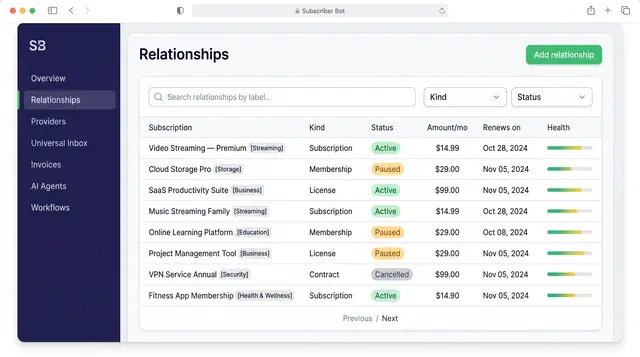
Subscription Relationships
Every subscription, membership, license and contract as one record with its plan, payment, entitlements, health and renewals.
3 illustrations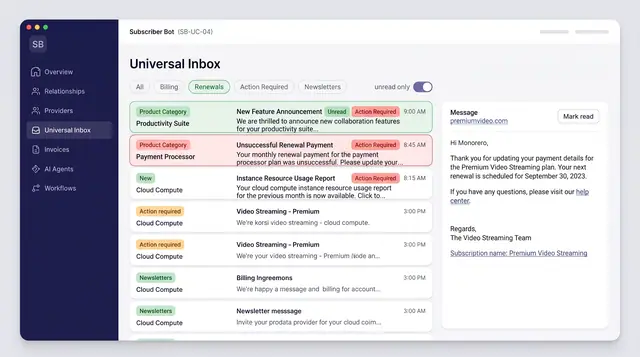
Universal Inbox with AI Triage
Every subscription message from email, SMS, chat and push merged into one inbox, categorized and sorted by what needs action.
3 illustrations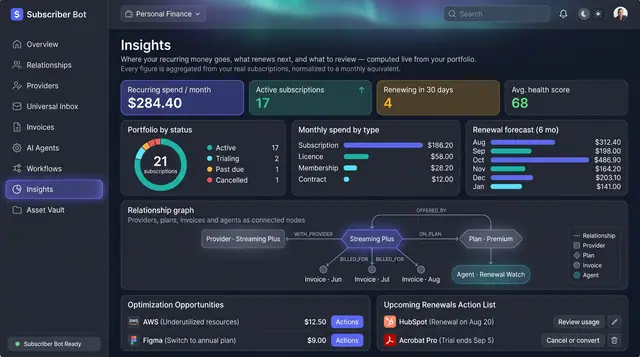
Portfolio Insights and Renewal Forecast
Recurring spend, portfolio health and the next six months of renewals, computed from your own subscriptions rather than typed in.
2 illustrations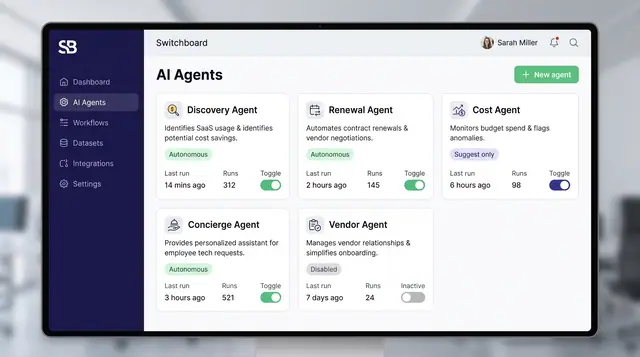
Governed AI Agents and Autonomy Controls
Specialized agents watch your portfolio and propose actions, while posture settings, policies and interlocks decide what they may do alone.
4 illustrations