
Governed AI Agents and Autonomy Controls
Specialized agents watch your portfolio and propose actions, while posture settings, policies and interlocks decide what they may do alone.
These images are illustrations of the concept, not screenshots of the actual product.
Overview
The AI Agents concept gives Subscriber Bot a set of narrow, named workers instead of one general assistant. Each agent has a single job — watch renewals, find idle spend, hunt untracked charges, review vendor health, plan a license migration, prune low-engagement newsletters — and each runs against the same portfolio under rules its owner sets. These four screens illustrate the whole arc: seeing the fleet, setting how much autonomy each agent has, writing the policies that govern it, and creating a new agent inside a guardrail.
Automation over money and contracts is only useful if it is trustworthy. An agent that can silently cancel a subscription is a liability, and an agent that can never act saves no one any time. The design resolves that with an explicit posture on every agent: disabled, suggest only, or autonomous. The agents page states the principle in a single line — agents propose, and the owner's policies decide what may happen without asking.
The fleet views show that posture as a first-class property. One illustration lays the agents out as a switchboard of cards, each with a description, its posture badge, when it last ran, how many runs it has accumulated, and a toggle. The other adds a fleet posture summary: a donut and tiles counting how many agents are autonomous, suggest-only, disabled, and how many ran in the last seven days, with filters for kind and posture and a posture dropdown on every card, so a whole fleet can be tightened or relaxed from one page.
The agent detail view is where behavior is actually specified. Policies read as plain conditional sentences — if something has gone unused for ninety days and costs more than a set amount per month, flag it to cancel; if a price rises beyond a threshold, raise an alert — each tagged with the action it may take, carrying an enable switch and a trigger count. Beside them, a run history records what the agent did and how it ended, including outcomes still waiting on human review, so the record of automated decisions is readable after the fact.
The fourth screen shows the interlock. On the new-agent form, a notice explains that the autonomous posture is locked for this workspace until it is explicitly enrolled, the autonomy option appears locked in the posture legend, and choosing it outlines the selection in a warning state while helper text restates that suggest-only agents propose but never act on their own. The design's point is that the safe posture is the default and the powerful one has to be deliberately granted.
What this concept shows
- Three explicit postures on every agent — disabled, suggest only, and autonomous — shown as a badge and changeable from a dropdown
- A fleet posture donut and tiles counting total agents, autonomous, suggest-only and how many ran in the last seven days
- An agent grid of narrow specialists for renewals, idle spend, untracked charges, vendor health, license migration and newsletter pruning
- Per-agent cards carrying a one-line job description, last-run time, accumulated run count and an on-off toggle
- Filters for agent kind and posture so a large fleet can be narrowed before changing anything
- Policies written as conditional rules with an action tag, an enable switch and a trigger count
- A run history listing each action with its outcome, including items left pending a person's review
- A new-agent form with a guardrail notice, a locked autonomy option and helper text stating that suggest-only agents never act on their own
How it works
- Open the AI Agents page and read the fleet posture summary to see how many agents may act and how many only propose.
- Filter by kind or posture, then review the agent cards for what each one does and when it last ran.
- Set an agent's posture from its card — disabled, suggest only, or autonomous — or open the agent for detail.
- On the agent detail view, add or enable policies that state the condition and the action, and check the trigger counts on existing rules.
- Read the run history to see what the agent did, what succeeded, and what is waiting on a review.
- Create a new agent by naming it, choosing its kind, describing its one job and picking a starting posture, within the limits the interlock allows.
Who it's for
- Individuals who want renewals and idle spend watched without surrendering control
- Finance and procurement teams that need automated actions to be auditable
- IT and security reviewers who set how much autonomy tooling may have
- Operations leads maintaining a fleet of narrow automations
Illustrations
4 illustrations of this concept. Select one to view it full size.
AI Agents Switchboard
A light page on a desktop monitor, headed as a switchboard, with dashboard, AI agents, workflows, datasets, integrations and settings in the side rail and a sample account name in the top bar. The heading pairs with a prominent action for creating a new agent. Five cards fill the body, one per specialist: a discovery agent that identifies usage and potential savings, a renewal agent for contract renewals and negotiations, a cost agent that monitors budget and flags anomalies, a concierge agent that handles requests, and a vendor agent for vendor relationships and onboarding. Each card carries a one-line job description, a posture badge reading autonomous, suggest only or disabled, the time of its last run, a cumulative run count and a toggle — with the disabled agent's toggle shown in an inactive state. Names and counts are illustrative sample data.
Fleet Posture and the Agent Grid
A dark page stating beneath its heading that agents propose while the owner's policies decide what may happen autonomously. Dropdown filters narrow the list by kind and by posture. A fleet posture card shows a donut over a total agent count with a legend splitting them into autonomous, suggest-only and disabled, and four tiles repeat those counts alongside how many agents ran in the last seven days. Beneath an agent grid heading, cards describe narrow specialists — an idle spend finder that surfaces subscriptions with no recorded use, a hunter for recurring charges not yet tracked, a renewal watch that flags anything renewing soon, a newsletter pruner shown as disabled, a vendor health review and a license migration aide. Each card shows its kind, its posture badge, a last-run or never-run line and a posture dropdown.
Agent Detail with Policies and Run History
A light agent detail page shown on a tablet-style device in landscape, showing a cost agent with a posture badge, an open status dropdown offering disabled, suggest only and autonomous, and an action for attaching a policy. The main column lists policies as plain conditional sentences: one flags anything unused for ninety days above a monthly threshold for cancellation, others raise an alert when a price rises beyond a set percentage. Each rule carries a small action tag such as alert, cancel or downgrade, an enable switch shown on, and a trigger count. Buttons for adding a further policy sit at the foot of the list. The right column is a run history timeline in which dated entries describe a flagged cancellation, a price-increase alert and two suggested downgrades, each closing with an outcome line — success, notified, or pending a user's review.
New Agent Form with an Autonomy Interlock
A dark form reached from the agents list, headed for creating a new agent and explaining that an agent is given one job and a starting level of autonomy that can be adjusted later. A red-tinted notice above the form states that the autonomous posture is locked for this workspace until it is explicitly enrolled, and advises using suggest-only in the meantime. The form itself holds a required name field carrying a sample agent name, a kind dropdown set to a renewal agent, and a description box with a sample instruction to flag anything renewing inside thirty days and draft a review note. A starting posture control offers suggest only, disabled and autonomous, with the autonomous choice outlined in a warning state and helper text noting that suggest-only agents propose but never act. A side panel defines each posture and shows the autonomous entry with a lock.
Topics
- AI agents for subscriptions
- agent autonomy controls
- suggest only agent posture
- governed automation policies
- renewal watch agent
- idle spend detection agent
- agent run history audit
- policy driven automation
- human in the loop approval
- vendor health review agent
Related concepts
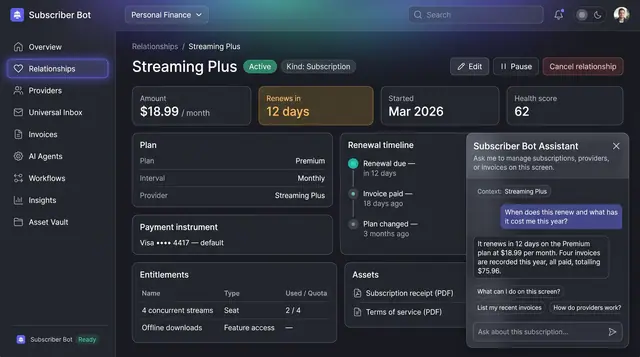
Screen-Aware Assistant
An assistant docked beside the record you are already looking at, answering from that subscription's own plan, invoices and renewal history.
1 illustration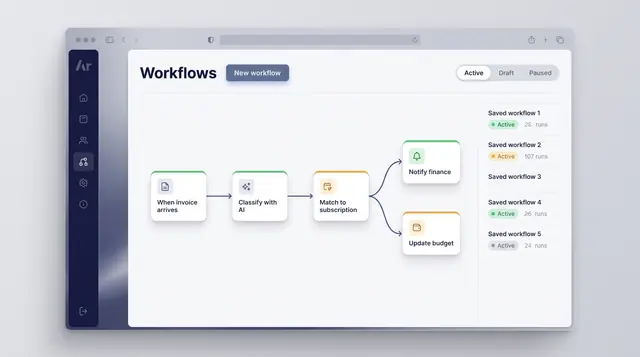
Workflow Automation
Turn a recurring event into a reliable routine: classify what arrives, match it to a subscription and branch into the right follow-up.
1 illustration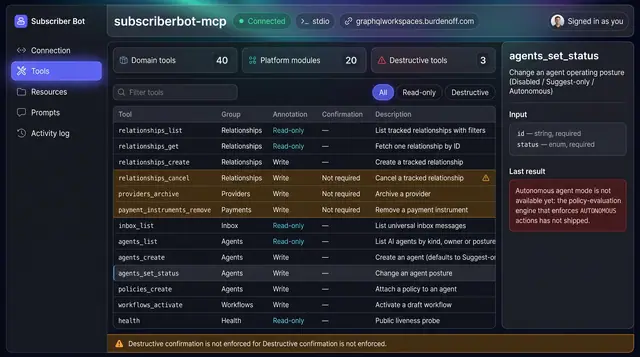
MCP Server and Agent Tools
Let outside AI clients work on your portfolio through a tool catalog that separates read-only calls from writes and destructive actions.
1 illustration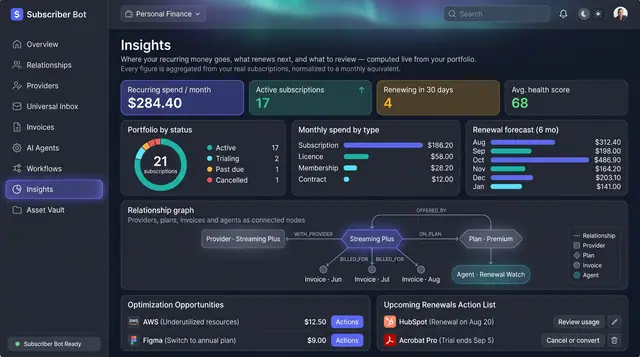
Portfolio Insights and Renewal Forecast
Recurring spend, portfolio health and the next six months of renewals, computed from your own subscriptions rather than typed in.
2 illustrations