
Screen-Aware Assistant
An assistant docked beside the record you are already looking at, answering from that subscription's own plan, invoices and renewal history.
These images are illustrations of the concept, not screenshots of the actual product.
Overview
The Screen-Aware Assistant concept puts a conversational panel next to the record on screen and gives it that record as context. Rather than opening a separate chat and re-describing which subscription is meant, the panel already knows: it shows the subscription it is scoped to, and answers about that subscription's plan, price, renewal timing and invoice history without the user restating any of it.
General chat assistants fail on this kind of work for a simple reason — the answer depends on data the user cannot paste. Questions like when does this renew, what has it cost me this year, or what can I do from here require the plan, the billing cadence, the invoice ledger and the renewal timeline at once. The design solves it by scoping the assistant to the open record and letting it read the same fields the page is displaying.
The illustration shows a subscription detail page with the assistant docked on the right. The page itself carries the essentials — amount per month, how many days until renewal shown as an attention state, when the relationship started, and a health score — with panels beneath for the plan and billing interval, the payment instrument on file, the entitlements with their type and used-against-quota counts, a renewal timeline of recent events, and the documents attached to the subscription.
In the panel, a context chip names the subscription in scope. A sample question asks when the subscription renews and what it has cost this year, and the reply combines both halves of that answer: the days until renewal, the plan and its monthly price, and the number of invoices recorded this year with their total. Below the conversation, suggested questions offer starting points — what can be done on this screen, listing recent invoices, how providers work — and an input invites a further question about this subscription.
The panel is the conversational face of the wider agents concept. Where agents run on a schedule against the whole portfolio under posture and policy rules, the assistant answers in the moment about one record, and its invitation to manage subscriptions, providers and invoices from this screen points at the same governed actions the rest of the product exposes.
What this concept shows
- An assistant panel docked beside the record rather than opening in a separate place
- A context chip naming the exact subscription the conversation is scoped to
- Answers that combine renewal timing, plan and price with the invoice history recorded this year
- Suggested starter questions for what can be done on the screen, recent invoices and how providers work
- A free-text input scoped to the open subscription, with a dismiss control on the panel header
- A detail page behind it carrying amount, days to renewal as an attention state, start date and a health score
- Supporting panels for plan and interval, payment instrument, entitlements with used-against-quota counts, a renewal timeline and attached documents
- Record-level actions to edit, pause or cancel the relationship kept within reach of the conversation
How it works
- Open a subscription from the relationships list to see its plan, payment instrument, entitlements, renewal timeline and documents.
- Open the assistant panel and confirm the context chip names the subscription currently on screen.
- Ask a question in plain language, or pick one of the suggested starters.
- Read the answer, which draws on the same plan, renewal and invoice data the page is showing.
- Follow up in the same thread, or act directly on the record using the edit, pause and cancel controls in the header.
Who it's for
- Individuals checking what a subscription costs and when it renews before deciding to keep it
- Finance and operations staff reconciling invoices against a single agreement
- Team leads reviewing entitlements and seat usage on one tool
- Anyone who prefers asking a question to hunting through panels
Illustrations
1 illustration of this concept. Select one to view it full size.
Assistant Panel on a Subscription Detail Page
A dark subscription detail page for a sample streaming service, reached through a breadcrumb from the relationships list, with an active badge, a kind chip and header actions to edit, pause or cancel the relationship. Four tiles give the monthly amount, the days until renewal in an amber attention state, the month the relationship started and a health score. Panels beneath cover the plan and billing interval with its provider, the payment instrument on file shown as a masked card, an entitlements table with name, type and used-against-quota columns, a renewal timeline of recent events, and two attached documents. On the right, an assistant panel names the subscription in a context chip, shows a question about renewal timing and cost this year, and answers with the days remaining, the plan and price, and the count and total of invoices recorded. Suggested questions and a scoped input sit below.
Topics
- in-context AI assistant
- screen aware chat panel
- subscription question answering
- when does this subscription renew
- what has this cost me this year
- contextual assistant sidebar
- subscription detail assistant
- conversational subscription management
- suggested questions panel
Related concepts
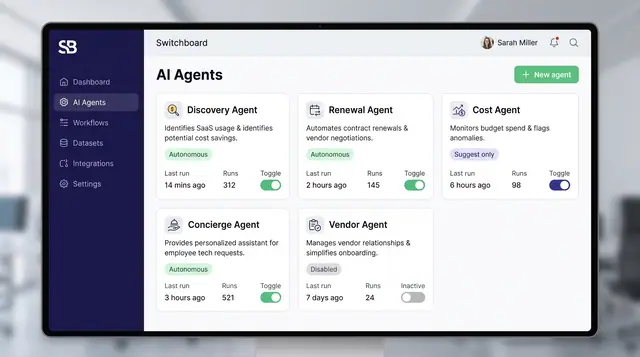
Governed AI Agents and Autonomy Controls
Specialized agents watch your portfolio and propose actions, while posture settings, policies and interlocks decide what they may do alone.
4 illustrations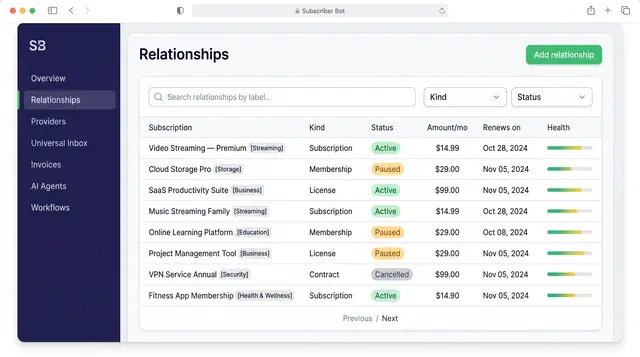
Subscription Relationships
Every subscription, membership, license and contract as one record with its plan, payment, entitlements, health and renewals.
3 illustrations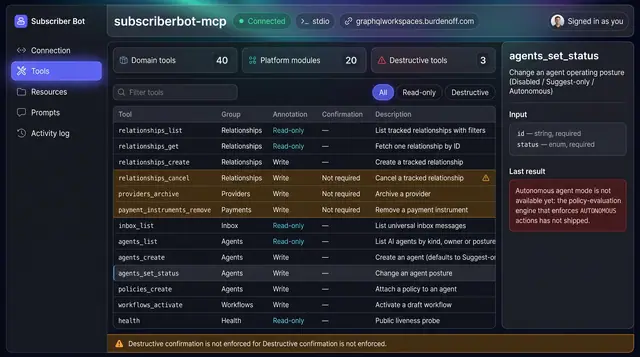
MCP Server and Agent Tools
Let outside AI clients work on your portfolio through a tool catalog that separates read-only calls from writes and destructive actions.
1 illustration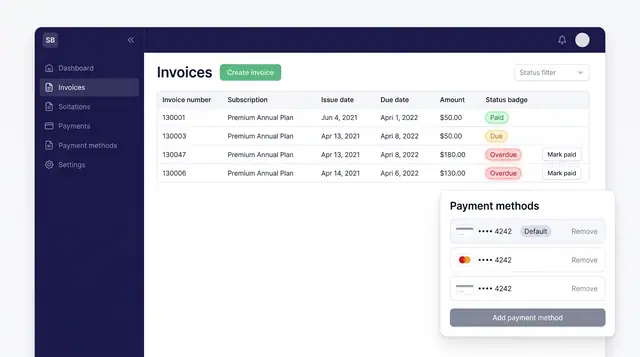
Invoices and Payment Methods
Track every subscription invoice by status and keep the cards that pay for them in one place, with a clear default.
1 illustration