
Household Bills and EMI Calendar
Every EMI, premium, SIP and subscription on one calendar, laid against the balance of the account that has to pay it.
These images are illustrations of the concept, not screenshots of the actual product.
Overview
This concept illustrates a bills and EMI calendar that places every recurring outflow a household carries on the day it is debited, next to the balance of the account that has to pay it. Loan EMIs, insurance premiums, systematic investment plans (SIPs), school fees, utilities and subscriptions share one month view, and the same data becomes a seven-day list on a phone.
In personal finance, a household can be comfortably solvent over a month and still miss a payment on one day. When a home-loan EMI, several SIPs and an insurance premium all debit the salary account on the same date, the balance can dip below the level the family wants to keep, and the first sign is a failed debit. Bills tracked one at a time never show that collision. The concept reads dates and balances together so a crowded day is visible in advance.
The desktop page sits under Cashflow, with a month selector, a month or week toggle and an Add obligation action. A summary strip shows the amount committed this month, the number of obligations and the number of crowded days. One sample date is outlined as a crowded day holding a home-loan EMI, three SIPs and a term insurance premium, while other dates carry school fees, electricity, a domain renewal and two identical cloud storage charges marked duplicate. A Funding accounts panel draws the salary account's projected balance against a dashed floor, calling out the shortfall on the crowded day, and marks a business account as covered. Suggested fixes propose moving the premium to a later date, planning a transfer from the business account beforehand and canceling the duplicate storage, with Apply, Plan and Review actions.
On a phone, Upcoming debits lists the next seven days: a salary account card with a below-floor badge and its projected low, then each debit with its date, amount and a scheduled or at-risk status, the insurance premium marked at risk. Plan a transfer and Move a debit date sit above a tab bar for Home, Subscriptions, Inbox and Agents.
Two other Burdenoff products appear. Balances are labeled as coming from BrainyRich with a sync time, reflecting the design intent that BrainyRich supplies the balances behind the projection. A strip under the calendar shows a daily low-balance check as an active FluidGrids workflow, and the phone notes when it last ran: a scheduled FluidGrids workflow is designed to run the check each morning and send a low-balance alert. Within Subscriber Bot, the calendar extends renewal tracking to every recurring obligation a household carries.
What this concept shows
- A month calendar with EMIs, premiums, SIPs, school fees, utility bills and subscriptions on their debit dates
- A summary of the amount committed this month, the number of obligations and crowded days
- Crowded days outlined where several large debits land together, and duplicate charges flagged
- A funding account panel projecting the salary account balance against a floor, with the shortfall called out
- Suggested fixes to move a debit date, plan a transfer or cancel a duplicate
- Balances from BrainyRich and a daily low-balance check running as a FluidGrids workflow
- A seven-day mobile list of upcoming debits with scheduled and at-risk statuses
How it works
- Open the Bills and EMI calendar under Cashflow and pick the month.
- Read the committed amount, the obligation count and the number of crowded days.
- Look at a crowded day to see which EMIs, SIPs and premiums land together.
- Check the funding account's projected balance against its floor.
- Apply a suggested fix: move a premium date, plan a transfer or review a duplicate.
- On a phone, check the next seven days of debits and plan a transfer or move a debit date.
Who it's for
- Salaried households managing loan EMIs and SIPs
- Families paying school fees and insurance premiums
- Self-employed people with separate business and personal accounts
- Household budget keepers
Illustrations
2 illustrations of this concept. Select one to view it full size.
Monthly Bills and EMI Calendar With Balance Projection
This illustration shows a desktop page titled Bills and EMI calendar, with Cashflow selected in the left navigation. A month selector, a Month and Week toggle and an Add obligation button sit beside the title, above a strip showing the amount committed this month in rupees, the number of obligations and one crowded day. The calendar outlines the fifth as a crowded day holding a home-loan EMI, three SIPs and a term insurance premium, and places school fees, electricity and an annual domain renewal on other dates, with two identical cloud storage charges marked duplicate. A Funding accounts panel charts the salary account's projected balance dipping below a dashed floor on the crowded day, notes that the balance comes from BrainyRich, and marks a business account as covered. Suggested fixes offer to move the term insurance premium, plan a transfer from the business account and cancel the duplicate cloud storage. A footer strip shows an active daily FluidGrids low-balance check. All amounts are sample data.
Upcoming Debits for the Next Seven Days on Mobile
This illustration shows a phone screen headed Upcoming debits for the next seven days. A strip under the header notes when the morning low-balance check ran via FluidGrids. A card for the salary account carries a below-floor badge and the projected low balance on the fifth. Below it, cards list each upcoming debit with its date, name and amount in rupees: a home-loan EMI, a term insurance premium, SIPs into an index fund, a flexi-cap fund and a debt fund, and a video streaming subscription later in the week. Each card has a status pill, scheduled for most and at risk for the insurance premium. A Plan a transfer button and a Move a debit date link sit above a bottom tab bar with Home, Subscriptions, Inbox and Agents. The design carries the desktop calendar's warning into a short list that can be checked on the go. All amounts are sample data.
Topics
- EMI calendar
- bill payment calendar
- SIP and EMI tracker
- low balance alert
- household cash flow planner
- loan EMI due dates
- insurance premium reminder
- avoid failed auto-debits
- upcoming debits
- recurring payments calendar
Related concepts
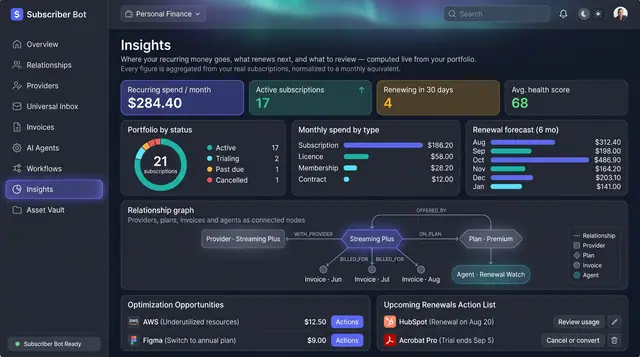
Portfolio Insights and Renewal Forecast
Recurring spend, portfolio health and the next six months of renewals, computed from your own subscriptions rather than typed in.
2 illustrations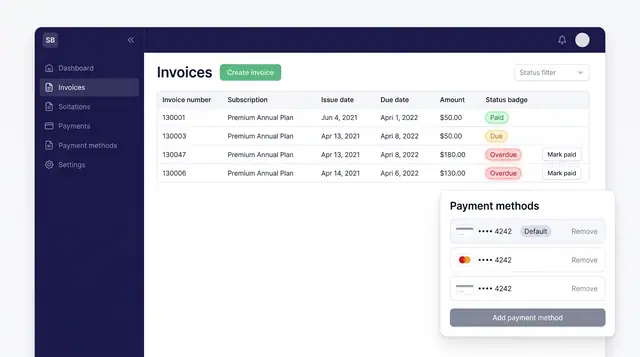
Invoices and Payment Methods
Track every subscription invoice by status and keep the cards that pay for them in one place, with a clear default.
1 illustration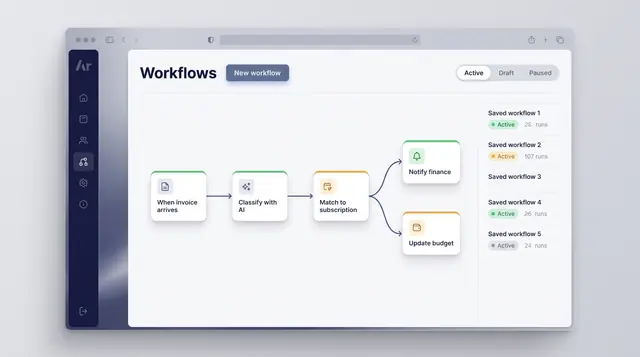
Workflow Automation
Turn a recurring event into a reliable routine: classify what arrives, match it to a subscription and branch into the right follow-up.
1 illustration
Part of an industry solution
This concept appears in a cross-product solution on burdenoff.com — see how it works alongside other Burdenoff products to solve a problem in that industry.