
Shadow IT and SaaS Intake Review
Turn unrecognized recurring charges into reviewed decisions to sanction, consolidate or cancel, each with an owner and a renewal date.
These images are illustrations of the concept, not screenshots of the actual product.
Overview
This concept illustrates a shadow IT review queue for IT, finance and security teams, and for managed service providers that look after a client's software estate. Subscriber Bot is designed to surface recurring charges and renewals that do not match a known relationship, and this queue turns each one into a decision: sanction the tool, consolidate its users onto an approved alternative, or schedule a cancellation before the notice period closes. The sample client is a law practice.
In IT, cloud and managed services, software bought outside procurement shows up as a card charge or an expense claim long before anyone reviews it. By then people depend on it, it may hold client documents or meeting content, and its renewal may be close. Blocking everything breaks work, while ignoring it leaves data and spend unmanaged. The concept gives every unrecognized charge the context needed for a proportionate decision.
The Shadow IT Review page names the client and its number of unrecognized recurring charges, with tiles for unreviewed tools, monthly spend under review and tools renewing in 30 days. Tabs separate tools to review from those sanctioned, consolidating and canceling. Each row shows the tool, its category, monthly cost and number of users, how it is paid, whether by a card identified only by its last four digits, expense claims or an invoice, the next renewal with its notice period where known, a data-risk tag such as client documents, meeting content, customer data or low, which the design has the reviewer set, and decision buttons. A design tool is marked as a duplicate of an approved tool, with a Consolidate action. A Decision panel for the selected tool names the owning team, counts seats still held by leavers and offers Sanction tool and Schedule cancellation.
Two other Burdenoff products appear in the Decision panel. A switch registers a sanctioned tool in the AssetHandler software register, where it is designed to be recorded with an owner and an entitlement count. A chip shows a leaver offboarding FluidGrids workflow as queued: offboarding is designed to run through FluidGrids so that seats held by people who have left are freed before the renewal date.
Within Subscriber Bot, the queue sits under Relationships and extends the product's untracked-charge detection and license utilization analysis into a governed intake step, where each decision leaves the tool with an owner and a renewal date.
What this concept shows
- Tiles for unreviewed tools, monthly spend under review and tools renewing in 30 days
- To review, Sanctioned, Consolidating and Canceling tabs
- A queue with tool, category, monthly cost, users, payment source, next renewal and notice period
- Data-risk tags such as client documents, meeting content, customer data and low
- Per-row Sanction, Cancel, Review and Consolidate decisions, with duplicates of approved tools flagged
- A Decision panel with the owning team and seats still held by leavers
- A switch to register a sanctioned tool in the AssetHandler software register
- Leaver offboarding queued as a FluidGrids workflow to free seats before renewal
How it works
- Open the Shadow IT Review for a client and check unreviewed tools, spend under review and upcoming renewals.
- Work through the To review tab, reading each tool's cost, users, payment source and next renewal.
- Check each tool's data-risk tag, such as client documents or customer data.
- Choose to sanction the tool, consolidate it onto an approved one, review it further or cancel it.
- For a sanctioned tool, confirm the owner and register it in the AssetHandler software register.
- Queue leaver offboarding through FluidGrids to free seats, or schedule a cancellation before the notice period closes.
Who it's for
- IT managers and managed service providers
- Security and compliance officers
- Finance teams reviewing card and expense spend
- Procurement leads
- Office and practice managers at professional firms
Illustrations
1 illustration of this concept. Select one to view it full size.
Shadow IT Review Queue With Decision Panel
This illustration shows a desktop browser window with Relationships selected and a page titled Shadow IT Review for a sample law practice, with a count of unrecognized recurring charges. Tiles show unreviewed tools, monthly spend under review and tools renewing in 30 days. Tabs read To review, Sanctioned, Consolidating and Canceling. The table lists six sample tools for file sharing, design, meeting notes, forms, mapping and support chat, with columns for monthly cost, users, payment source such as a card, expense claims or an invoice, next renewal, data risk and decision. Data-risk tags include client documents, meeting content, customer data and low, and a design tool is flagged as a duplicate of an approved tool with a Consolidate button. A Decision panel names the owning team, counts seats held by leavers, has a switch to register the tool in the AssetHandler software register, notes a queued FluidGrids leaver offboarding workflow and offers Sanction tool and Schedule cancellation. All tools and figures are sample data.
Topics
- shadow IT discovery
- unapproved SaaS review
- SaaS spend management
- SaaS intake process
- software license consolidation
- cancel unused SaaS before renewal
- leaver license offboarding
- MSP SaaS audit
- SaaS data risk review
- software register
Related concepts
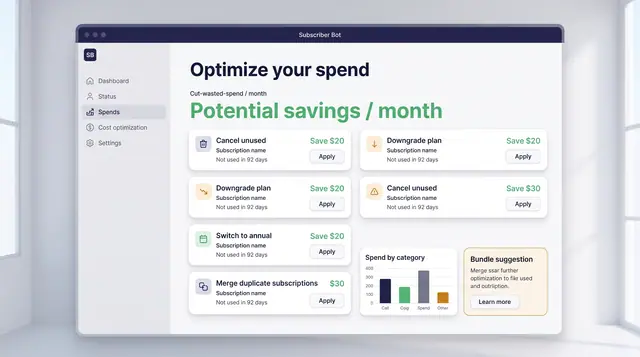
Spend Optimization and License Utilization
Turn portfolio data into decisions: cancel what is unused, downgrade what is oversized, and find the seats you are paying for twice.
2 illustrations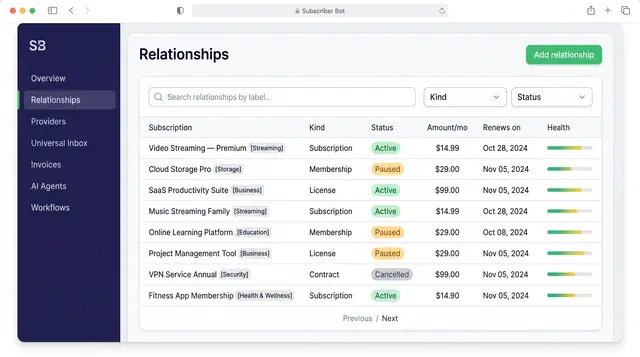
Subscription Relationships
Every subscription, membership, license and contract as one record with its plan, payment, entitlements, health and renewals.
3 illustrations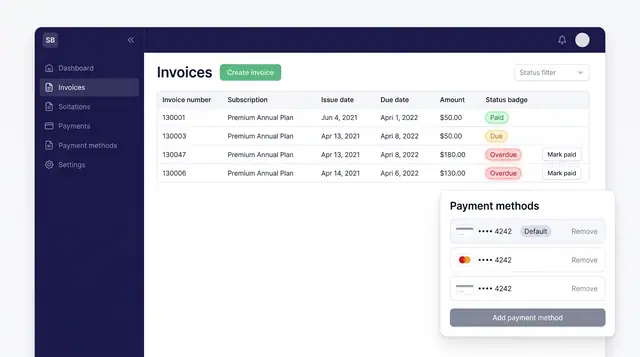
Invoices and Payment Methods
Track every subscription invoice by status and keep the cards that pay for them in one place, with a clear default.
1 illustration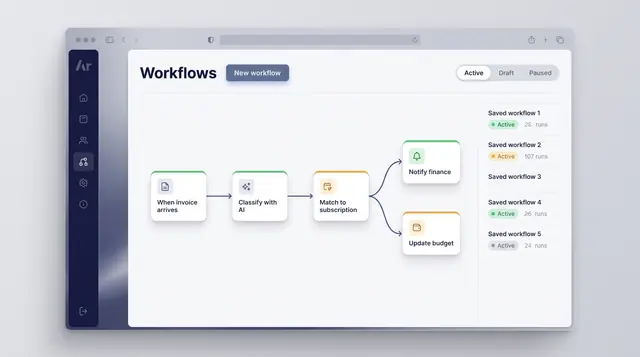
Workflow Automation
Turn a recurring event into a reliable routine: classify what arrives, match it to a subscription and branch into the right follow-up.
1 illustration
Part of an industry solution
This concept appears in a cross-product solution on burdenoff.com — see how it works alongside other Burdenoff products to solve a problem in that industry.