
Pet Wellness Plan Benefits and Renewal Desk
Every wellness plan member with care still unused, card payments that failed and renewals coming up, each with a next step to approve.
These images are illustrations of the concept, not screenshots of the actual product.
Overview
This concept illustrates a desk for veterinary practices that sell preventive-care wellness plans. It shows the provider side of Subscriber Bot, where each plan is treated as a recurring relationship with its tier, its monthly payment instrument and the care it includes: exams, core vaccines, heartworm and fecal tests, and a dental cleaning. The desk is designed to track the plan itself; it gives no care advice.
In a veterinary practice, a wellness plan feels worth renewing only if the pet actually receives what it includes. Members who never book the dental cleaning, puppies whose final vaccine visit slips and cards that decline on the monthly draw all turn into cancellations at renewal, often unnoticed at the front desk. Visit records sit in the practice management system and charges with the payment processor, and neither shows which members are drifting. The concept brings benefits used, payments and renewals into one list with a next step for each.
The illustrated Wellness Plans page for a sample main hospital opens under Relationships. Four tiles count active plans, failed payments in the last 30 days, highlighted, dental cleanings still unbooked at month nine or later of the plan year and plans renewing in 30 days. A Benefits used this plan year panel draws bars for exams, core vaccines, heartworm tests, fecal tests and dental cleaning, the dental bar shortest, and a Plans by tier panel counts members on Puppy Start, Adult Dog, Adult Cat and Senior Care. The Needs a next step table lists each member with their pet, plan, the signal that raised the row, a suggested step and a status. Signals range from an unused dental benefit late in the year and a card declined twice to a renewal twelve days away, an unbooked final puppy vaccine visit and a member asking what the plan includes. Approve selected and Export list sit above the table.
Two other Burdenoff products appear in the design. A label reads that visit records arrive via FluidGrids, with a morning sync time, reflecting the intent that a FluidGrids workflow passes visits in from the practice management system and marks entitlements as used. One card-update request shows as sent via FluidGrids, reflecting the intent that approved reminders go out as FluidGrids workflows. A question about what a plan includes is marked answered by Botlit after sign-in and closed: a Botlit assistant is designed to tell a verified member what remains in their plan from the same record.
Within Subscriber Bot, the desk applies entitlement and payment tracking to a practice's own plan members, with outgoing reminders held for staff approval.
What this concept shows
- Tiles for active plans, failed payments in 30 days, dental cleanings unbooked from month nine and renewals in 30 days
- A Benefits used this plan year panel for exams, core vaccines, heartworm tests, fecal tests and dental cleaning
- A Plans by tier panel for Puppy Start, Adult Dog, Adult Cat and Senior Care
- A Needs a next step table with member, pet, plan, signal, suggested step and status
- Suggested steps such as booking reminders, card-update requests and renewal notes, each marked needs approval, queued, sent or closed
- Approve selected and Export list actions for working the queue in bulk
- Visit records designed to arrive through FluidGrids, with approved reminders sent as FluidGrids workflows
- Member questions about what a plan includes designed to be answered by a Botlit assistant after sign-in
How it works
- Open the wellness plans desk under Relationships for the hospital.
- Read the counts of active plans, failed payments, unbooked dental cleanings and upcoming renewals.
- Compare benefits used this plan year with plans by tier.
- Scan Needs a next step for each member's signal and suggested step.
- Select rows and approve the booking reminders, card-update requests or renewal notes.
- Follow each row's status as reminders go out via FluidGrids and questions answered by Botlit are closed.
Who it's for
- Veterinary practice managers
- Front desk and client care teams
- Wellness plan coordinators
- Practice owners reviewing plan renewals
- Veterinary billing staff
Illustrations
1 illustration of this concept. Select one to view it full size.
Wellness Plan Benefits, Tiers and Next-Step Queue
This illustration shows a desktop page titled Wellness Plans for a sample main hospital, with Relationships selected in the left navigation and a label noting that visit records arrive via FluidGrids, with a sync time. Four tiles count active plans, failed payments in the last 30 days, highlighted, dental cleanings unbooked from month nine and plans renewing in 30 days. A Benefits used this plan year panel shows bars for exams, core vaccines, heartworm test, fecal test and dental cleaning, and a Plans by tier panel counts Puppy Start, Adult Dog, Adult Cat and Senior Care members. The Needs a next step table, with Approve selected and Export list buttons, lists members with their pet's name, kind and age, plan, signal, suggested step and status. Rows pair unused care with booking reminders needing approval, a twice-declined card with a request sent via FluidGrids, a queued renewal note and a closed question answered by Botlit after sign-in. All data is sample data.
Topics
- pet wellness plan management
- veterinary wellness plan renewals
- preventive care plan tracking
- wellness plan benefits used
- unused dental cleaning reminder
- failed pet plan payments
- veterinary membership plans
- puppy plan vaccine reminders
- wellness plan tiers
- vet clinic recurring payments
Related concepts
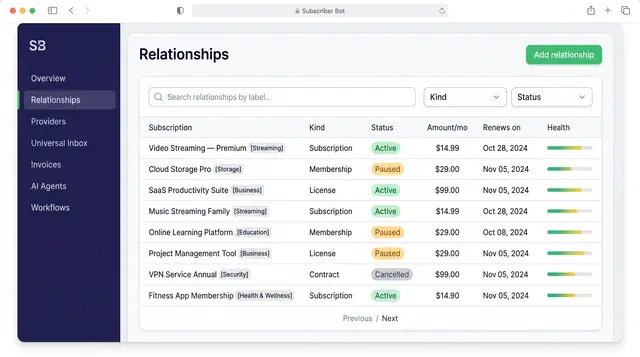
Subscription Relationships
Every subscription, membership, license and contract as one record with its plan, payment, entitlements, health and renewals.
3 illustrations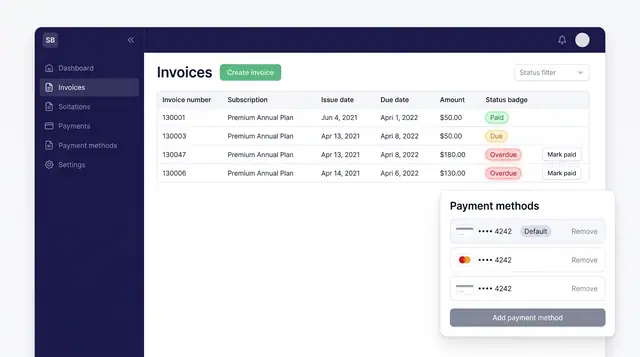
Invoices and Payment Methods
Track every subscription invoice by status and keep the cards that pay for them in one place, with a clear default.
1 illustration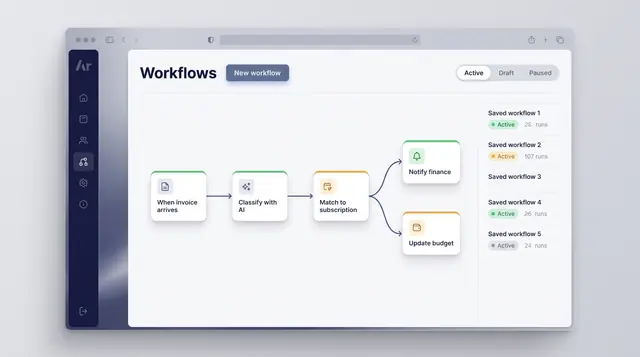
Workflow Automation
Turn a recurring event into a reliable routine: classify what arrives, match it to a subscription and branch into the right follow-up.
1 illustration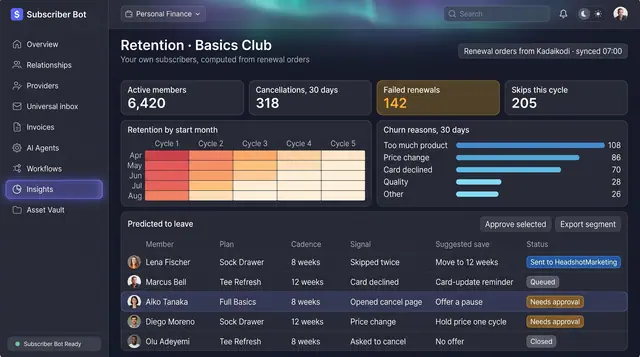
D2C Subscription Retention Desk
A brand's own subscribers as cohorts, churn reasons and failed renewals, with a suggested save for each member at risk.
1 illustration
Part of an industry solution
This concept appears in a cross-product solution on burdenoff.com — see how it works alongside other Burdenoff products to solve a problem in that industry.