
Childcare Tuition and Subsidy Ledger
Each family's tuition, discounts, assistance co-pay and payment status together, with failed payments and ending authorizations flagged.
These images are illustrations of the concept, not screenshots of the actual product.
Overview
This concept illustrates a tuition ledger for childcare centers and after-school programs, built on Subscriber Bot's model of recurring relationships. Each family's enrollment is treated as a relationship with a plan: the rate, the days enrolled, any sibling or staff discount, a childcare assistance authorization with its co-pay and end date, and the notice period for withdrawal.
In childcare and early learning, one family's bill can depend on several moving parts at once. A sibling discount, a staff rate, an assistance co-pay and drop-in days all change what the family owes, and assistance authorizations end on their own schedule. When a card expires or an authorization lapses unnoticed, the center finds out weeks later as a past-due balance. The concept keeps each family's rate, discounts, assistance and payment result on one row so those gaps show early.
The illustrated Family Tuition page opens under Relationships with an Add family plan button. Four tiles count active family plans, payments failed overnight, authorizations ending in 30 days and the amount past due over 15 days, the last three highlighted. Filters for center, program and payment status sit above a ledger with columns for family, children and program, rate, discounts, assistance co-pay, authorization end and last payment from the processor. Sample rows cover full-time toddlers with a sibling discount and a co-pay, part-week pre-K with a payment failed on an expired card, an after-school plan with drop-in days and a staff-discounted twos program awaiting a processor retry. Selecting a family opens a panel with the authorization end date, an attendance count, a note that the co-pay may change on renewal, a two-week notice period, checkboxes for renewal packet sent and family confirmed, and a Send reminder button.
Three other Burdenoff products appear in the design. A line under the ledger states that payment results come from the center's own processor via FluidGrids: charging stays with the processor, and each result is designed to flow back through FluidGrids. Attendance is labeled as coming from BuildMyIQ sign-ins, reflecting the intent that BuildMyIQ supplies attendance totals for subsidy claims and drop-in charges, while the center submits claims through its state's own process. The panel carries a reminder workflow in FluidGrids marked open, since failed payments and ending authorizations are designed to start FluidGrids reminders, and a line at its foot notes that totals by center are sent to BigConsole, designed to host a collections console across centers.
Within Subscriber Bot, the ledger applies relationship, payment and renewal tracking to a provider's own enrolled families, with rates and rules configured by the operator.
What this concept shows
- Tiles for active family plans, payments failed overnight, authorizations ending in 30 days and the amount past due over 15 days
- Filters for center, program and payment status
- A ledger row per family with children and program, rate, discounts, assistance co-pay and authorization end date
- Last payment results from the center's own processor, including a failed payment and a scheduled retry
- A family panel with the authorization end date, an attendance count from BuildMyIQ sign-ins and the withdrawal notice period
- Renewal packet and family confirmation checkboxes with a Send reminder action
- Reminders designed to run as FluidGrids workflows, with totals by center sent to BigConsole
How it works
- Open Family Tuition under Relationships and read the failed-payment, authorization and past-due tiles.
- Filter the ledger by center, program or payment status.
- Check each family's rate, discounts, co-pay, authorization end and last payment result.
- Select a family to see attendance from BuildMyIQ sign-ins, the notice period and renewal steps.
- Mark the renewal packet and family confirmation, then send a reminder through the FluidGrids workflow.
- Let totals by center flow to BigConsole for collections review.
Who it's for
- Childcare center directors
- After-school program administrators
- Tuition and billing coordinators
- Enrollment staff managing assistance authorizations
- Multi-site early learning operators
Illustrations
1 illustration of this concept. Select one to view it full size.
Family Tuition Ledger With Assistance and Payment Results
This illustration shows a desktop page titled Family Tuition, with Relationships selected in the left navigation and an Add family plan button. Four tiles count active family plans, payments failed overnight, authorizations ending in 30 days and the amount past due over 15 days. Filters for center, program and payment status sit above a ledger with columns for family, children and program, rate, discounts, assistance co-pay, authorization end and last payment from the processor. Sample rows show sibling and staff discounts, an after-school rate plus drop-in days, and payments marked paid, failed on an expired card or awaiting a processor retry, with a note that results come from the center's processor via FluidGrids. A side panel for the selected family lists the authorization end date, attendance from BuildMyIQ sign-ins, a possible co-pay change on renewal, a two-week notice period, renewal checkboxes, a Send reminder button, a reminder workflow in FluidGrids marked open and totals by center sent to BigConsole. All data is sample data.
Topics
- childcare tuition billing
- daycare tuition ledger
- childcare subsidy co-pay tracking
- childcare assistance authorization end date
- sibling discount tuition
- after-school program billing
- failed tuition payments
- drop-in day charges
- early learning center payments
- past due childcare tuition
Related concepts
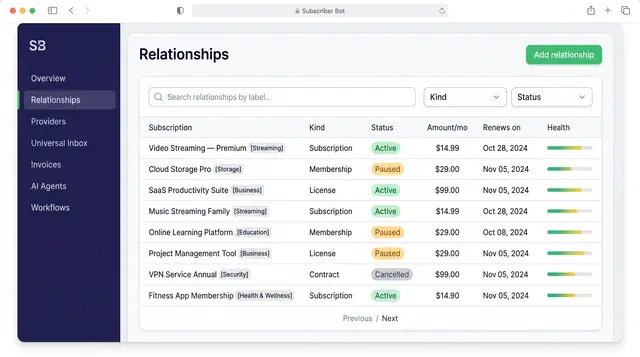
Subscription Relationships
Every subscription, membership, license and contract as one record with its plan, payment, entitlements, health and renewals.
3 illustrations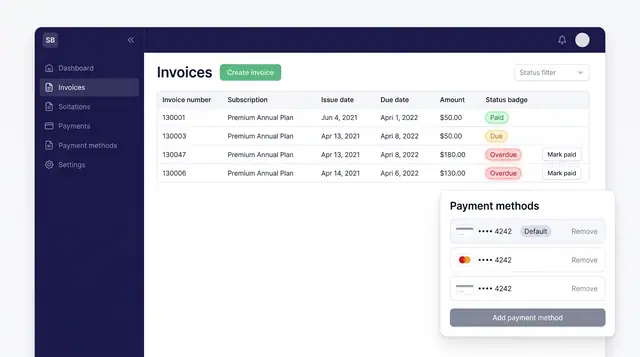
Invoices and Payment Methods
Track every subscription invoice by status and keep the cards that pay for them in one place, with a clear default.
1 illustration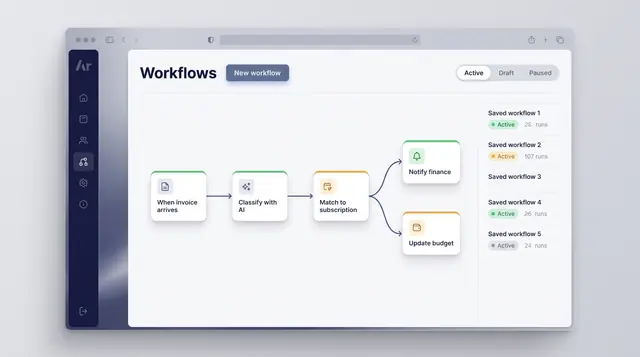
Workflow Automation
Turn a recurring event into a reliable routine: classify what arrives, match it to a subscription and branch into the right follow-up.
1 illustration
Part of an industry solution
This concept appears in a cross-product solution on burdenoff.com — see how it works alongside other Burdenoff products to solve a problem in that industry.