
Digital Asset Vault
Contracts, receipts, license keys and warranty documents stored against the subscriptions they belong to, with expiries in view.
These images are illustrations of the concept, not screenshots of the actual product.
Overview
The Digital Asset Vault is where Subscriber Bot keeps the documents behind each subscription: contracts, receipts and invoices, license keys and warranty documents. This concept illustrates a single vault page that groups those assets by type, links each one to its subscription and keeps upcoming expiries in view.
The paperwork of recurring relationships is often the hardest part to find. A contract sits in an old email, a license key in a note on someone's laptop, and a warranty document in a downloads folder. When a renewal, a dispute or an audit comes up, the document that matters is rarely at hand, and expiry dates pass unnoticed. The design stores these assets alongside the subscriptions they relate to and brings the ones that expire soon to the surface.
The Asset Vault page has an Attach Asset button and a search field at the top. Assets are grouped into sections for contracts, receipts and invoices, license keys and warranty documents. Each row shows a file icon for the asset type, the document name, the subscription it belongs to and an expiry date, along with Download and Preview buttons. A side rail titled Expiring Soon highlights the documents whose dates are approaching, each with its subscription and date, so that a contract or license can be dealt with before it lapses.
The vault complements the relationship record, where the detail page already shows attached contract and receipt documents next to a relationship's health score. It sits alongside invoices and payment methods in the billing and documents area, and its expiry dates relate naturally to the renewal forecasting described in the insights concepts.
What this concept shows
- An Attach Asset button and a search field for finding stored documents
- Sections for contracts, receipts and invoices, license keys and warranty documents
- Each asset linked to the subscription it belongs to
- An expiry date on every asset
- Download and Preview actions on each row
- An Expiring Soon rail that highlights documents with approaching dates
How it works
- Open the Asset Vault to see stored documents grouped by type.
- Use Attach Asset to add a contract, receipt, license key or warranty document to a subscription.
- Search or scan the sections to find the document for a given subscription.
- Preview or download the asset when it is needed for a renewal, claim or audit.
- Check the Expiring Soon rail and act on documents before they lapse.
Who it's for
- Individuals keeping receipts and warranties for services and devices
- Freelancers and small businesses storing software license keys
- Procurement and legal teams managing vendor contracts
- IT administrators tracking license and support renewals
Illustrations
1 illustration of this concept. Select one to view it full size.
Asset Vault Grouped by Document Type
This illustration shows the Asset Vault page, with an Attach Asset button and a search field beside the heading. The main column is divided into four sections: Contracts, Receipts and Invoices, License Keys and Warranty Docs. Every row has a file icon that reflects the asset type, such as a document or a key, followed by a placeholder document name, the subscription or invoice it belongs to, an expiry date, and Download and Preview buttons. On the right, a dark rail titled Expiring Soon holds two highlighted cards, each naming a document, its subscription and a date. The design demonstrates how scattered paperwork can be kept in one searchable place, tied to the relationships it supports, and watched for approaching expiries rather than discovered after the fact. All document names and dates are sample data.
Topics
- subscription document storage
- contract repository
- license key manager
- store receipts and invoices
- warranty document tracker
- contract expiry reminders
- digital vault for subscriptions
- software license tracking
Related concepts
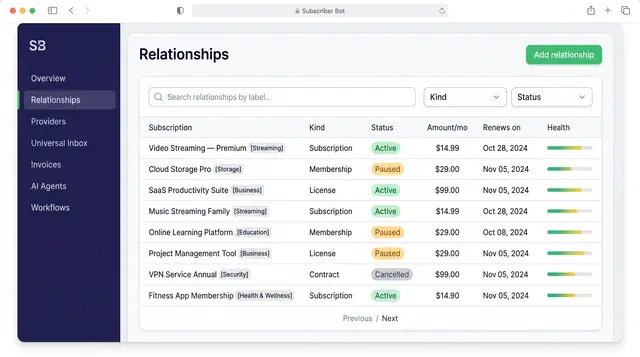
Subscription Relationships
Every subscription, membership, license and contract as one record with its plan, payment, entitlements, health and renewals.
3 illustrations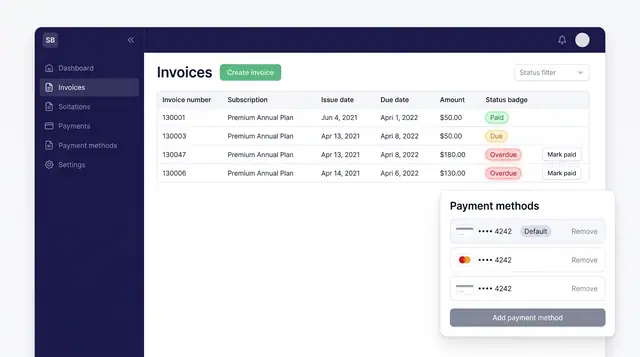
Invoices and Payment Methods
Track every subscription invoice by status and keep the cards that pay for them in one place, with a clear default.
1 illustration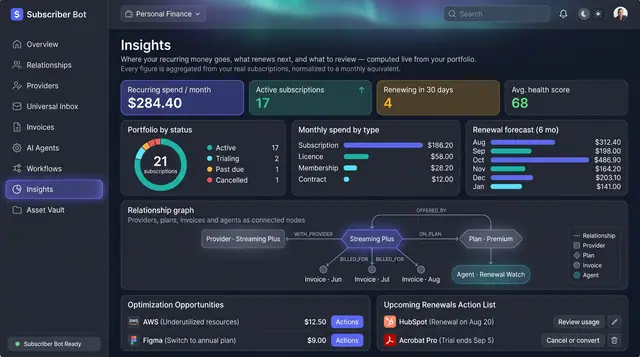
Portfolio Insights and Renewal Forecast
Recurring spend, portfolio health and the next six months of renewals, computed from your own subscriptions rather than typed in.
2 illustrations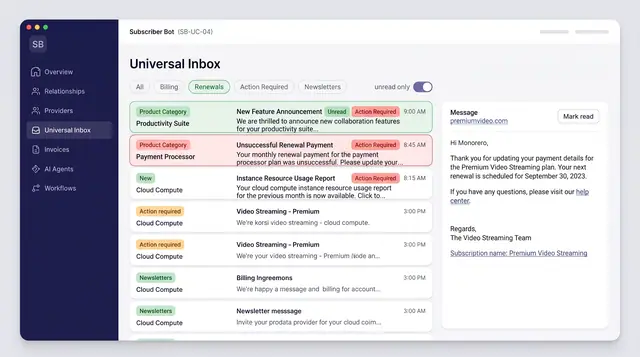
Universal Inbox with AI Triage
Every subscription message from email, SMS, chat and push merged into one inbox, categorized and sorted by what needs action.
3 illustrations
Part of industry solutions
This concept appears in cross-product solutions on burdenoff.com — see how it works alongside other Burdenoff products to solve a problem in that industry.

Industry solution
Creator Economy
Files stock-music and font license certificates and receipts against the subscription they belong to, with expiry dates in view.
See the solution(opens in a new tab)
Industry solution
Family & Home Life
Keeps the warranties, receipts and service plans for the family's own appliances against the relationship they belong to, with an expiring-soon list that flags coverage before it lapses.
See the solution(opens in a new tab)
Industry solution
Personal Finance
Holds the landlord insurance policy and the home-loan interest certificate against the EMI and premium relationships, with renewal dates in view.
See the solution(opens in a new tab)