
Congregation Giving and Pledge Desk
Each household's recurring gifts and pledges by fund, with failed payments caught early and gifts listed for the treasurer to check.
These images are illustrations of the concept, not screenshots of the actual product.
Overview
This concept illustrates a treasurer's desk for congregations and community trusts that rely on recurring giving: monthly gifts, household membership and pledges made at campaigns or fundraising dinners. Subscriber Bot holds each household's giving as a recurring relationship, and every gift is designed to carry a fund, such as zakat, building or iftar, beside its payment method and history.
For religious and community organizations, recurring giving is easy to start and hard to keep straight. A card expires and a monthly gift quietly stops, a building pledge falls a payment behind and nobody wants to send a blunt reminder, and an online gift or bank transfer arrives with no fund chosen or with a reference that matches no household. The concept brings these cases into one queue, and keeps each household's gifts listed by fund for the treasurer.
The illustrated Giving and pledges page sits under Relationships for a sample Islamic center, showing households by fund, with pills for all funds, zakat, building and iftar. Tiles count monthly givers, payments that failed this month with a cards badge, pledges behind and gifts with no fund or household. A Needs attention table lists household, gift or pledge, fund, amount, next charge, issue, suggested step and status. Sample rows include an expired card with a request for a new card, a roof pledge one payment behind with a gentle reminder, an online gift with no fund, a bank transfer whose reference was not matched, a card expiring before its next charge and a new dinner pledge waiting for a schedule. The selected household's panel shows its pledge from last year's roof dinner, two of four installments paid and its last gift, to the iftar fund, with Send gentle reminder and Pause pledge actions and a link to the gift list by fund for the treasurer.
Three other Burdenoff products appear in the design. A footer notes that gifts and payment status are brought in nightly by FluidGrids and that fund totals are sent to BigConsole: FluidGrids workflows are designed to bring gifts and statuses in from the giving provider and bank, matched to households where the reference allows, and to pass fund totals to BigConsole for the finance committee. The dinner pledge row carries a From EventfullyManaged badge, reflecting the intent that pledges made at an EventfullyManaged dinner arrive as pledge schedules to set up.
Within Subscriber Bot, the desk applies relationship and payment method tracking to a congregation's givers, with reminders and card requests marked as needing approval and the gift list by fund left for the treasurer to check against the books.
What this concept shows
- Tiles for monthly givers, payments failed this month, pledges behind and gifts with no fund or household
- Fund filters for all funds, zakat, building and iftar
- A needs-attention table with household, gift or pledge, fund, amount, next charge, issue, suggested step and status
- Expired cards paired with a request for a new card, and cards expiring before the next charge flagged for an update
- Pledges behind schedule paired with a gentle reminder awaiting approval
- Undesignated gifts and unmatched bank transfers held with Needs a fund and Unmatched badges
- A household panel with pledge history, installments paid, last gift, and Send gentle reminder and Pause pledge actions
- Dinner pledges from EventfullyManaged, gifts brought in by FluidGrids and fund totals sent to BigConsole
How it works
- Open Giving and pledges under Relationships and choose a fund or view all funds.
- Read the counts of monthly givers, failed payments, pledges behind and gifts with no fund or household.
- Work through the needs-attention list, reading each issue and suggested step.
- Assign a fund to an undesignated gift or match a bank transfer to a household.
- Select a household to see its pledge and installments, then send a gentle reminder or pause the pledge.
- Set a schedule for a new dinner pledge from EventfullyManaged.
- Open the gift list by fund and check it against the books.
Who it's for
- Congregation treasurers
- Finance committees of places of worship
- Community trust administrators
- Fundraising and pledge coordinators
- Congregation office managers
Illustrations
1 illustration of this concept. Select one to view it full size.
Giving and Pledges by Fund With Household Pledge Panel
This illustration shows a desktop page titled Giving and pledges for a sample Islamic center, under Relationships, listing households by fund, with pills for all funds, zakat, building and iftar. Four tiles count monthly givers, payments failed this month with a cards badge, pledges behind and gifts with no fund or household. A Needs attention table lists each gift or pledge with its fund, amount, next charge, issue, suggested step and status. Sample rows show an expired card, a roof pledge one payment behind, an online gift with no fund, an unmatched bank transfer, a card expiring before its next charge and a new dinner pledge badged From EventfullyManaged. The selected household's panel lists its roof dinner pledge, two of four installments paid and its last gift, with Send gentle reminder, Pause pledge and a link to the gift list by fund for the treasurer. A footer says gifts are brought in nightly by FluidGrids and fund totals are sent to BigConsole. All data is sample data.
Topics
- church giving management
- mosque donation tracking
- recurring donations by fund
- pledge tracking for congregations
- failed recurring donation card
- zakat fund tracking
- building fund pledges
- gift list by fund for treasurers
- unmatched bank transfer donations
- congregation treasurer tools
- fundraising dinner pledges
Related concepts
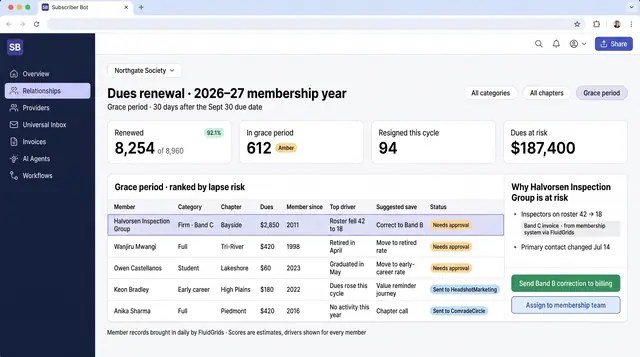
Association Dues Renewal Risk Desk
Grace-period members ranked by lapse risk, with the category or band error behind each and a correction to approve before the reminder.
1 illustration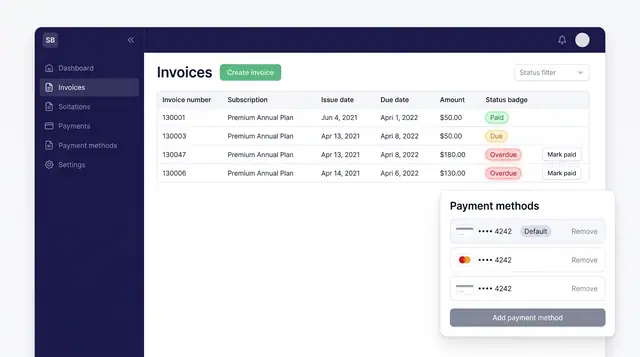
Invoices and Payment Methods
Track every subscription invoice by status and keep the cards that pay for them in one place, with a clear default.
1 illustration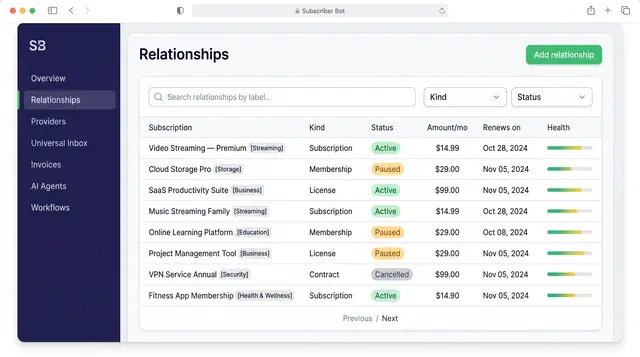
Subscription Relationships
Every subscription, membership, license and contract as one record with its plan, payment, entitlements, health and renewals.
3 illustrations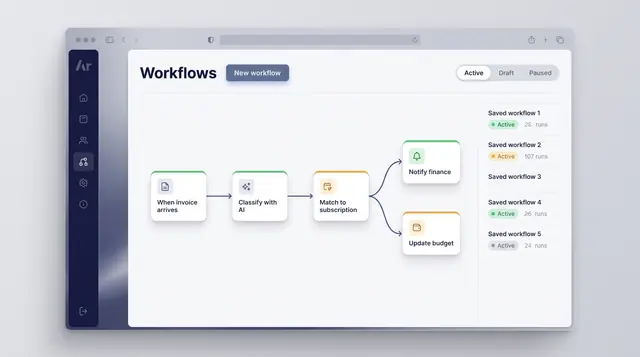
Workflow Automation
Turn a recurring event into a reliable routine: classify what arrives, match it to a subscription and branch into the right follow-up.
1 illustration
Part of an industry solution
This concept appears in a cross-product solution on burdenoff.com — see how it works alongside other Burdenoff products to solve a problem in that industry.