
How to Find Every Subscription You're Actually Paying For
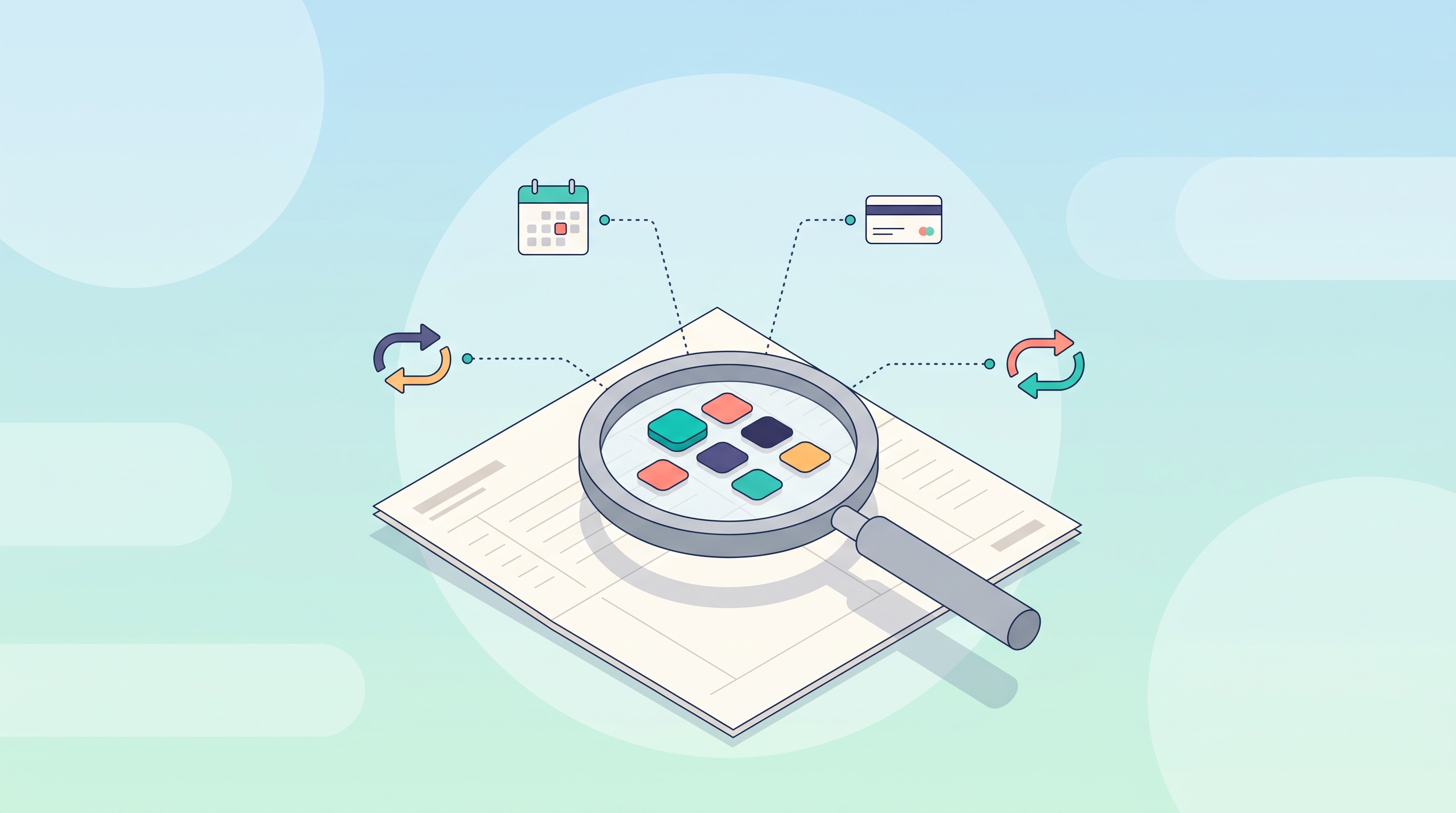
Most people spend far more on subscriptions than they realize — often over a hundred dollars a month more. This guide walks through how to find every subscription you're actually paying for, and what a purpose-built tool like Subscriber Bot is being designed to automate.
Why subscriptions are so easy to lose track of
Subscriptions are designed to be forgotten. You sign up once, hand over a card number, and the charge repeats itself every month or year without you having to do anything. That convenience is exactly what makes it so easy to lose track.
The numbers back this up. A widely cited survey from market research firm C+R Research, reported by CNBC, found that consumers underestimate their monthly subscription spend by an average of $133 — guessing $86 a month when their actual spend was closer to $219. In that same survey, 42% of people admitted they had forgotten they were still being charged for a subscription they no longer used.
That gap isn't a personal failing. It's what happens when dozens of small, recurring charges spread across different cards, apps, and billing cycles, with no single place to see them all.
What forgotten subscriptions actually cost over a year
The averages above aren't just abstract numbers — they compound. If the C+R Research gap of roughly $133 a month held for a full year, that's over $1,500 in subscription spend a typical person didn't plan for. Even a much smaller gap adds up: three forgotten subscriptions at $15 a month each is $540 a year, gone to services nobody is actively using.
The reason this keeps happening isn't carelessness. It's that subscriptions are optimized to be easy to start and inconvenient to track, while a one-time purchase gives you a single receipt and a clear decision point. Recurring billing removes that decision point entirely — the charge just keeps happening until someone actively stops it.
The manual audit: how to find hidden subscriptions today
Before any software can help, it helps to know what a subscription audit actually involves. Here's a practical way to do it yourself in about 20–30 minutes.
1. Scan your last three bank and card statements
Recurring charges tend to repeat with the same amount and merchant name every cycle. Pull your last three months of statements and highlight anything that shows up more than once. Pay close attention to small charges under $20 — those are the ones people notice least and cancel least often.
2. Search your email for "receipt," "renewal," and "trial"
Most subscriptions send an email at signup and at every renewal. Search your inbox for words like "receipt," "your subscription," "renews," "trial ending," and "payment confirmed." This catches services billed annually, which are the easiest to forget because you only see the charge once a year.
3. Check your app store subscriptions page
Apple and Google both keep a dedicated list of active subscriptions tied to your account — separate from anything on your bank statement. Open it directly (Settings → your name → Subscriptions on iOS, or Play Store → Payments & subscriptions on Android) and review every entry, since these can bill through your phone account rather than your card.
4. Look specifically for converted free trials
Free trials are the single most common source of forgotten charges. If you signed up for a "free for 30 days" offer and didn't actively cancel, there's a good chance it quietly became a paid subscription. Cross-reference trial signup dates against your statement to catch these.
5. List everything in one place
Once you've gathered the charges, put them in a simple list with the provider, amount, billing cycle, and renewal date. Just having them together — instead of scattered across three sources — usually reveals overlap you didn't notice, like two different streaming services with the same content library.
Where forgotten subscriptions hide most often
A few categories account for most of the forgotten spend people find when they finally sit down to audit:
- Streaming and media — especially services bundled during a promotion that later reverts to full price.
- AI tools and SaaS — individual tools stacking up, each one small enough on its own to ignore.
- Mobile add-ons — cloud storage upgrades, app subscriptions billed through the app store rather than a card.
- Memberships and communities — annual renewals that bill once a year, far from top of mind.
- Insurance and telecom add-ons — extra lines, warranties, and protection plans added at signup and never revisited.
Notice that none of these are unusual or exotic. They're ordinary purchases made with good intentions — a free trial you meant to cancel, a bundle that seemed convenient at the time — that turned into recurring charges simply because nothing forced a second decision.
What Subscriber Bot is designed to do instead of a manual audit
A manual audit works, but it's a one-time snapshot — the moment you close the spreadsheet, new subscriptions start slipping back into the gaps. Subscriber Bot is being built as the tool that keeps doing that audit automatically, all in one place.
AI Discovery. Rather than you searching your own inbox and statements, the AI Discovery agent is designed to read connected email receipts, renewal notices, and statement lines and detect recurring charges on its own — including the free trials that quietly convert.
One clean entry per service. Detected subscriptions are resolved against a Global Provider Registry so that three different statement descriptors for the same service (a common source of confusion) get merged into a single, correctly labeled entry, rather than showing up as separate mystery charges.
A living inventory, not a snapshot. Every subscription becomes a node in your Unified Relationship Graph — linked to the card that pays it, its next renewal date, and its invoice history — so the list stays current instead of going stale the day after you build it.
A Universal Inbox for the messages that matter. Renewal notices, billing confirmations, and security alerts are meant to be pulled into one categorized stream, so a price-hike email buried in your regular inbox doesn't get missed between marketing blasts.
Reasoning about waste, not just a list. The AI Subscription Brain is designed to go a step further than discovery — reasoning about which subscriptions overlap, which sit unused, and where an annual plan or a cheaper alternative would save money — with the reasoning behind each suggestion shown, not hidden behind a black box.
One place to act. Where a provider has an adapter built for it, actions like cancel, pause, or change plan are designed to run directly from your dashboard. Where no adapter exists yet, Subscriber Bot is designed to walk you through the cancellation steps and track the outcome, so a "I'll deal with it later" charge doesn't fall through the cracks again.
You can see the fuller story behind this in how Subscriber Bot approaches discovering hidden subscriptions.
A simple monthly habit until then
You don't need software to start cutting the gap between what you think you spend and what you actually spend. Try this once a month:
- Open your card statement and scan for anything unfamiliar.
- Ask "have I used this in the last 30 days?" for every subscription over $10.
- Cancel or pause anything you can't answer "yes" to.
- Note renewal dates for annual subscriptions on a calendar so they never surprise you again.
It takes ten minutes and, based on the averages above, could easily be worth over a hundred dollars a month.
FAQ
How many subscriptions does the average person actually have? It varies widely by household, but the consistent finding across consumer surveys is that people underestimate both the number and the total cost — often by more than double. The exercise of writing them all down in one place is usually the biggest eye-opener.
Is a subscription audit something I can do without any tools? Yes. Everything in the manual audit section above — checking statements, searching email, reviewing app store subscriptions — takes about half an hour and costs nothing. It's the right place to start today.
Will Subscriber Bot cancel subscriptions automatically without asking me? The design intent is the opposite: any automated action is meant to run only within policies you explicitly set, stay auditable, and support human approval for anything significant. You stay in control of what gets cancelled and when.
When can I start using Subscriber Bot? Subscriber Bot is generally available (launched 2026-08-19) — sign up at app.subscriberbot.com. Some capabilities described here, such as automatic email discovery, are still on the roadmap.
What happens to subscriptions where there's no direct integration yet? Subscriber Bot is designed to still track and surface those relationships — you just won't get a one-click cancel button until a provider adapter exists for that service. In the meantime, it's designed to guide you through the manual cancellation steps and record that you did it, so it isn't lost the next time you review your list.
Take back your subscription list
A subscription audit is worth doing today, with nothing more than your bank statement and email. But keeping that list current is a different problem — one that Subscriber Bot is being built to solve automatically, from discovery all the way through to cancellation.
Sign up for Subscriber Bot to try it, or explore all the features, shipped and planned.